
Generating a Missed Text Report
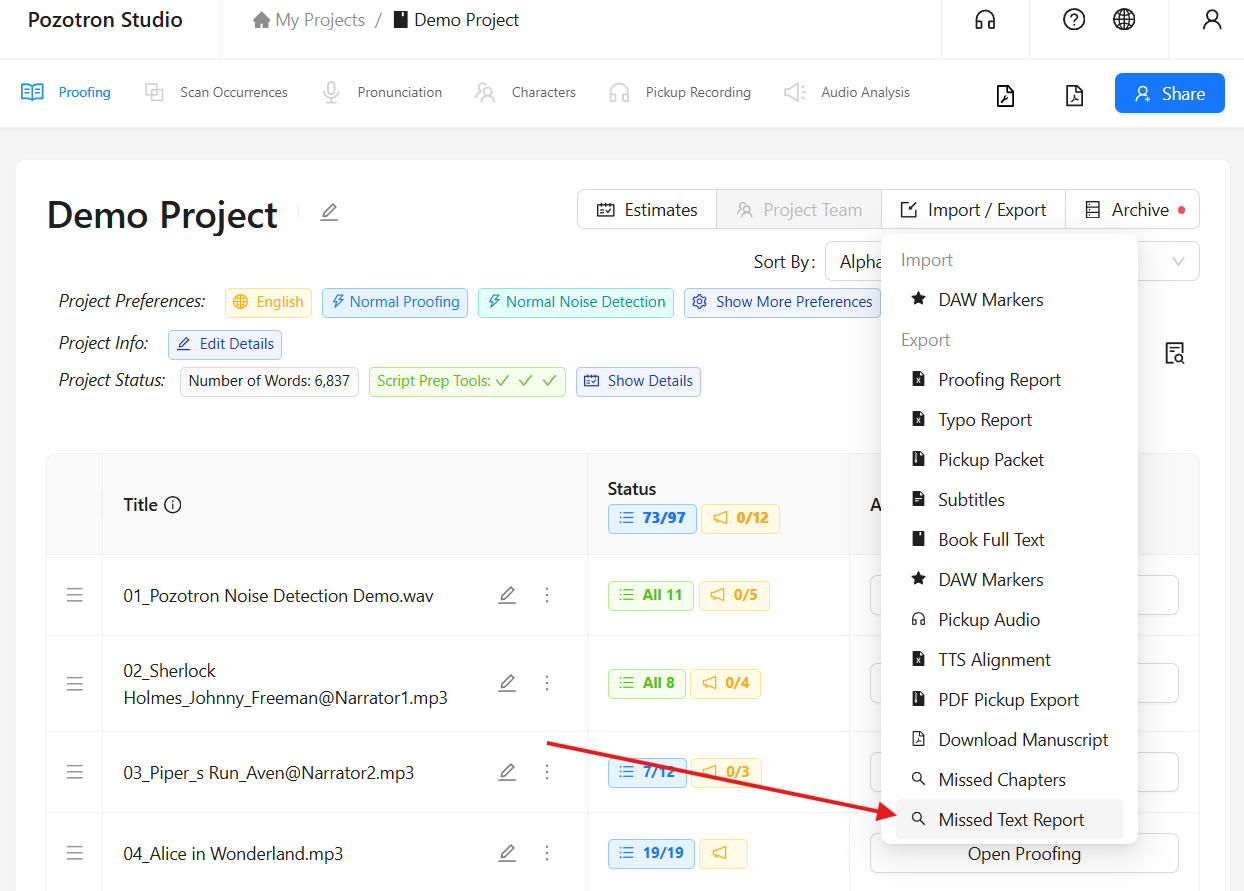
To make sure your project has been fully narrated, hover over the Import/Export button found in the upper right-hand corner of your project page.
Then, choose Missed Text Report from the dropdown menu.:
This will open a new dialog window for you:
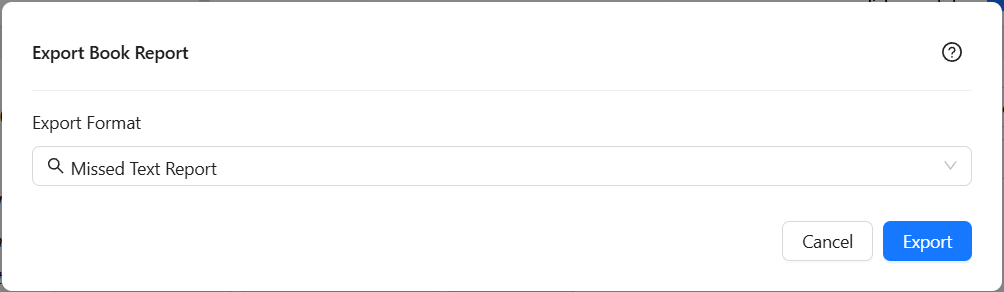
Click Export and you will see a PDF file begin downloading! You can then open this to view all missing sections from your project:
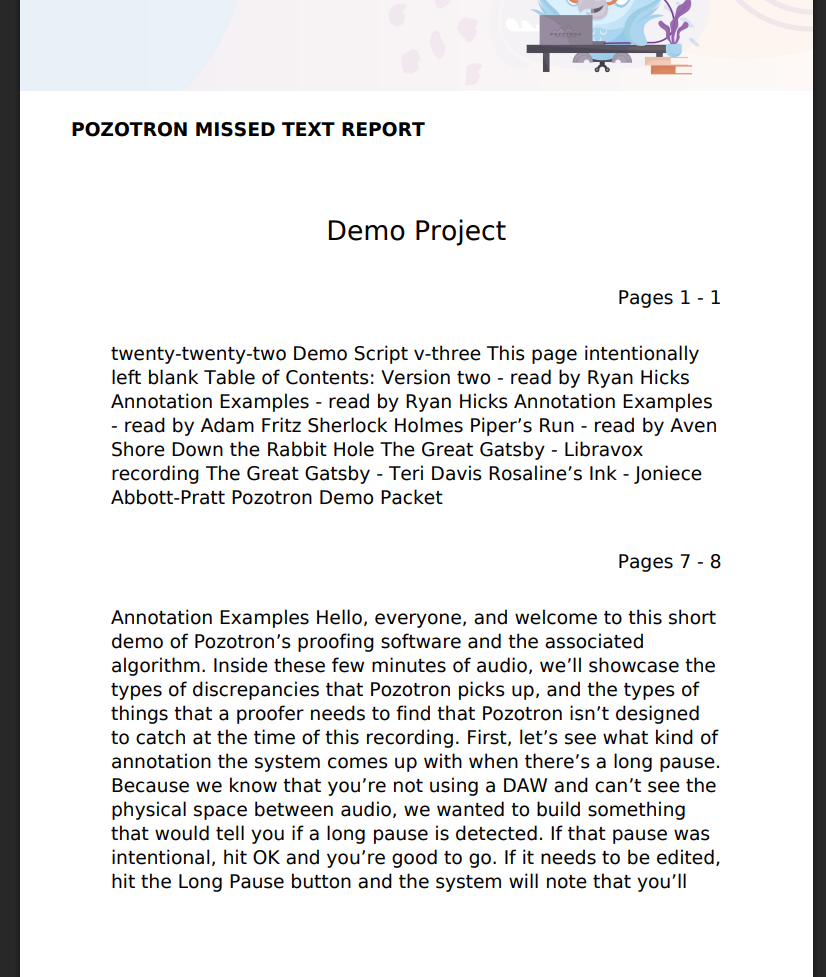
Here you'll be able to see all the the text that was not narrated in your project and confirm that it's completed.
Still have questions? Please contact us at help@pozotron.com